Top 5 Best Mice for Carpal Tunnel Relief (2026 Buyer's Guide)
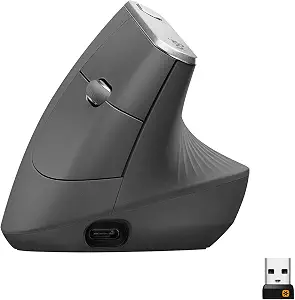
Logitech MX Vertical Wireless Mouse
A premium vertical ergonomic mouse with a 57° angle, textured thumb rest, and multi-device connectivity. Perfect for reducing wrist strain and all-day desk work.
Pros
- 57° angle keeps forearm in a natural handshake position
- Rechargeable via fast USB-C cable
- Connects via Bluetooth or USB receiver
- Solid build quality with textured rubber grip.
Cons
- Larger and heavier than standard mice
- Right-handed design only.
Unsure which mouse fits your hand? Try our interactive
Ergonomic Mouse Finder Quiz to get a personalized match in 30 seconds!
Quick Summary: Top Ergonomic Picks
Best Overall: Logitech MX Vertical
Best for Small/Medium Hands: Logitech Lift Vertical
Best for Severe Pain: Evoluent VerticalMouse 4
Best Budget Choice: Anker Wireless Vertical Mouse
Best Trackball Alternative: Kensington Orbit Trackball
1. Logitech MX Vertical – Best Overall Ergonomic Mouse
The Logitech MX Vertical is widely considered the gold standard for carpal tunnel relief. Its 57-degree vertical angle places your hand in a natural "handshake" position, significantly reducing forearm strain and wrist pressure throughout the day.
Ergonomic Angle: 57° vertical posture
Best For: Medium to Large hands
Key Features: 4000 DPI sensor, USB-C rechargeable, multi-device flow
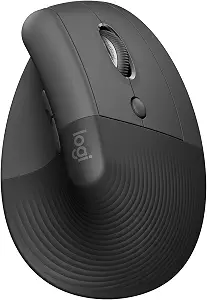
2. Logitech Lift – Best for Small & Medium Hands
If the MX Vertical feels too bulky, the Logitech Lift is designed specifically for smaller to medium-sized hands. It retains the signature 57-degree posture and whisper-quiet clicks while providing a compact, contoured grip.
Ergonomic Angle: 57° vertical posture
Best For: Small to Medium hands (Right and Left-handed options available)
Key Features: SmartWheel scrolling, up to 2-year battery life (1x AA)
3. Evoluent VerticalMouse 4 – Best for Severe Wrist Pain
For users dealing with advanced carpal tunnel symptoms, the Evoluent VerticalMouse 4 offers a true 90-degree vertical design. It features an extended lip along the bottom edge to prevent your pinky finger from dragging on the desk.
Ergonomic Angle: True vertical alignment
Best For: Maximum relief & customized button setups
Key Features: 6 programmable buttons, pointer speed controls on side
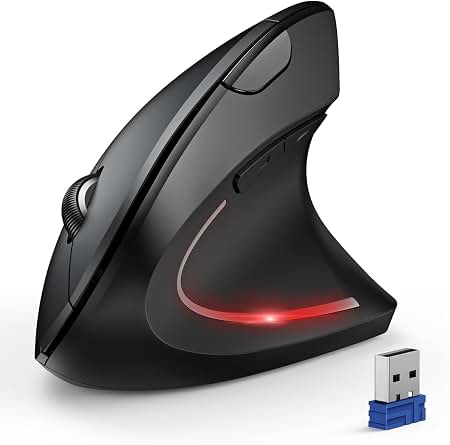
4. Anker Wireless Vertical Mouse – Best Budget Option
If you want to test an ergonomic mouse without breaking the bank, the Anker Wireless Vertical Mouse delivers exceptional value. It features a comfortable handshake grip at a fraction of the cost of premium brands.
Ergonomic Angle: Neutral handshake stance
Best For: Budget-conscious buyers testing vertical design
Key Features: 800/1200/1600 DPI switching, auto-sleep mode
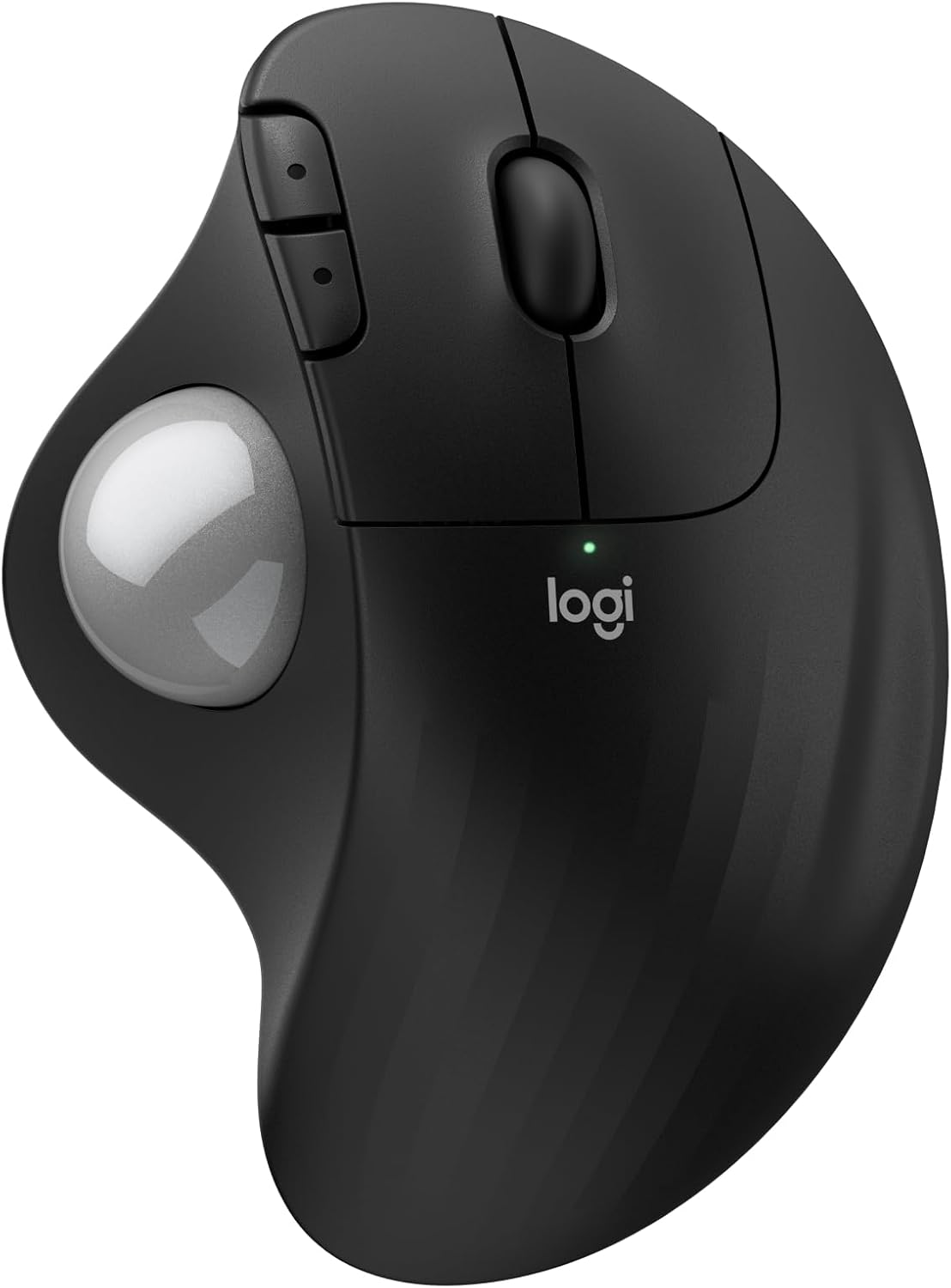
5. Kensington Orbit Trackball – Best Stationary Alternative
If moving your arm causes pain, a trackball mouse eliminates wrist movement altogether. The Kensington Orbit allows you to control the cursor using only your fingers while your wrist rests completely flat.
Design: Stationary trackball with optical tracking
Best For: Zero wrist movement & tight desk spaces
Key Features: Touch scrolling ring, detachable wrist rest
Buyer's Guide: How to Choose the Right Mouse for Carpal Tunnel
When picking an ergonomic mouse, focus on hand sizing and grip style:
Hand Size: Measure from the base of your palm to the tip of your middle finger. Choose smaller models like the Logitech Lift for hands under 17.5 cm.
Vertical Angle: Angles between 50° and 90° eliminate forearm pronation (twisting).
Weight & Sensitivity: Look for mice with higher DPI sensors so you can move the cursor across the screen with minimal physical movement.